Rich text box
This is a rich text example using basic HTML
Example page: MND Connect Helpline | MND Association
The MND Connect Helpline page is a good example of how to use a rich text box component and they have used for sharing important information to our users.
A full width image inside a rich text editor

Rich text - Embed code example (YouTube)
Example page: What is MND? | MND Association
The 'What is MND?' page is a good example of how to use the rich text component to embed a video because it is a short informative video which has been embedding correctly allowing both users who have and haven't accepted cookies to view.

Card grid
Card grid example text
Example page: MND Association | Fighting motor neurone disease
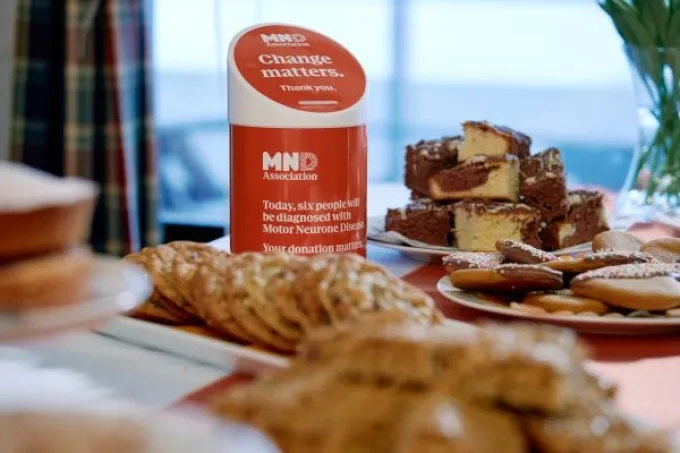
Our homepage has a good example of how to use a basic card grid within a page. This allows you to use images, a CTA (Call to action) and link to a URL.




Card grid row
Text example
Example page: Become a volunteer | MND Association
The 'Become a volunteer page' is a good example of how to use a card grid row as it has 3 inline images which all have CTA's (Call to actions) that link to relevant URL's.


Card grid row two cards
Text example
Example page: Become a volunteer | MND Association
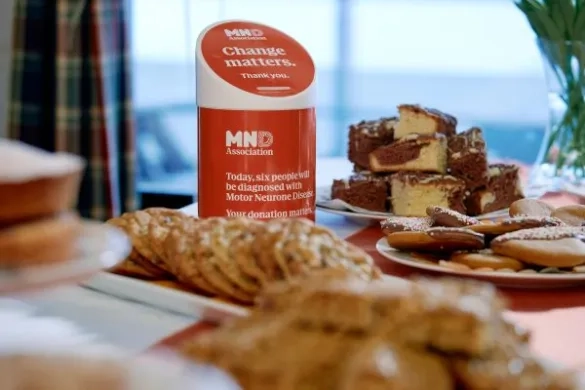
The 'Become a volunteer page' is a good example of how to use a card grid row as it has 3 inline images which all have CTA's (Call to actions) that link to relevant URL's.

Accordion
Accordion 1
Text goes in here
Accordion 2
Text with image
Example page: Information in other languages and formats | MND Association
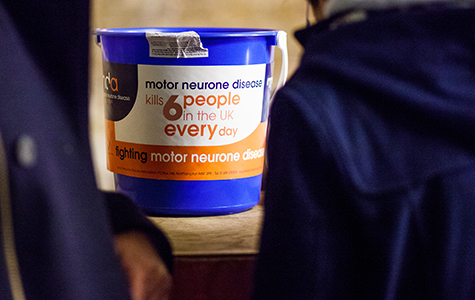
This is a good example of how to use an accordian as it has broken down large pieces of information into more bitesize pieces as well as categorising them so they are easy to find.
Gallery Title



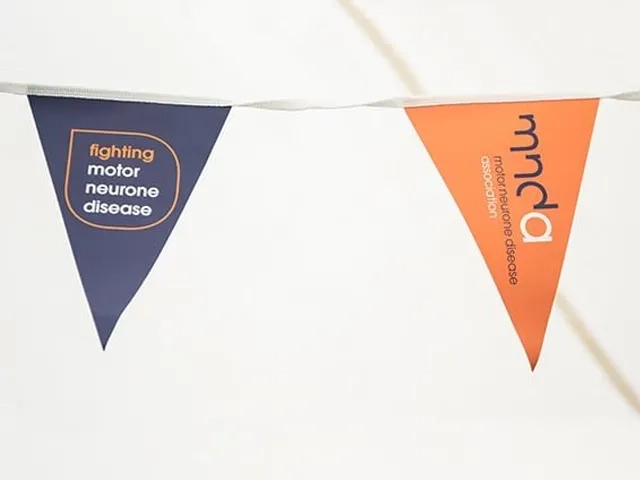
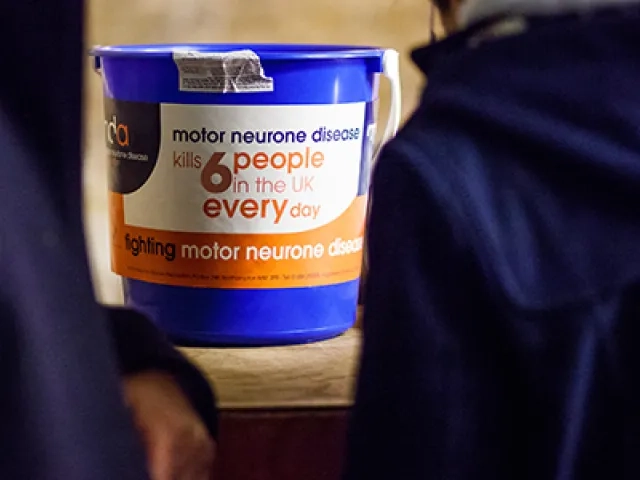
A gallery should be used when there a large number of images you want to display on the site making it clear to the user on how to navigate them i.e an arrow.
Example page: Inclusion and Wellbeing | MND Association
There are multiple pages across the site which use a 2 row card gird. The above page is a good example of when the use the 2 card grid i.e when you need to navigate to 2 different pages.
Donation panel example
Donate now and join the fight against MND





Example page: MND The Love Inside | MND Association
A good example of how to use a donation panel is within campaigns for example our Love Inside Campaign. This will link through to our GoDonate form which will take the actual donation.
Statistics example
Stats Title
Example page: MND Association | Fighting motor neurone disease
The homepage is a good example of how to use statistics in context of a page. This page highlights the amount of grants that are in the research portfolio, the amount of calls answered by connect and the amount of grants distributed to people living with MND.
Quick links
Example page: MND The Love Inside | MND Association
At the bottom of The Love Inside page there is a good use of a strip banner which uses the navy background, has a tagline and a call to action button.
Cure Finders Content Grid
This has been removed from the page as it was causing issues with the Preview functionality. This does not affect users accessing pages the component is on only this page. More details in the Jira ticket below:
Example page: Cure Finders | MND Association
Cure Finders is an exclusive members only section of the website that includes the card grid shown above. This is a good way of displaying page titles with a 'read more' section underneath.
Event banner
Web form example
Example form: Gifts in Wills | MND Association
Here is a good example of a simple webform which collects data. This form is easy to complete for the user.
Latest news block
CTA link
AGM 8 July – special resolution

Government minister calls for ‘fast track passports’ after Association campaign

Global MND Awareness Day 2026
Example page: MND Association | Fighting motor neurone disease
At the bottom of the homepage there is a good example of news updates. These are dynamic therefore when a new story is added it will remove the oldest story and add the latest.
Multi-image block


Postcode search
Postcode search
Find your local area
Example page: Find support in your area | MND Association
This page is a good example of using the search component as it allows users to find local support in their area. This is an easy to use component which displays the results simply for the users.
Testing anchor links
Click here to jump to the section on About MND.
On this page, you will find lots of information.
But sometimes, it's easier to click on a link to jump to the relevant section.
And this can be quite far down a page.
So, to save you time and effort.
You can click on the button above.
And it will take you straight to that section.
10
9
8
7
6
5
4
3
2
1
This is the section you should be taken to when you click on the link above.
The above is a good example on how to use the anchor component. This allows users to be able to navigate webpages with a lot of information on easily. For example if they wanted to see a specific topic, they can click the anchor link and it will take them to that section on the page.
Symposium live feed


Testing time for 2027
This is a test button.