Using our template centre, you can easily create posters, social media posts, leaflets and more in our brand colours. Include your own photos, or choose from our range of stock photos and generate a QR code to your online fundraiser! All you need to do is create a free Rightmarket account to get started.
Steps to follow
- Create an account, selecting 'fundraising' from the department drop down
- Select 'browse all templates' and choose from the selection of categories
- Select your preferred layout within your chosen category
- Work your way through the editable fields, add an image and your text
- If you choose to include a QR code, enter the URL for the page you want it to link to
- Make sure to select the 'in aid of logo' as you are fundraising for the MND Association
- Select the relevant output for downloading your creation!
How to use the templates
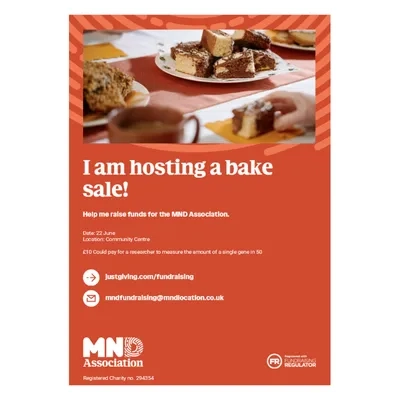
Poster - a great way to show case your fundraising! Print it out to display at work with a QR code that links to your online fundraising page.
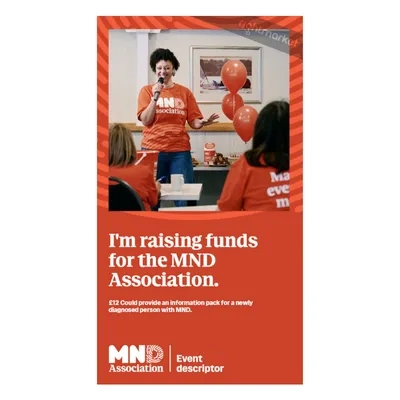
Social media post - the perfect template for sharing your fundraising on your social channels.
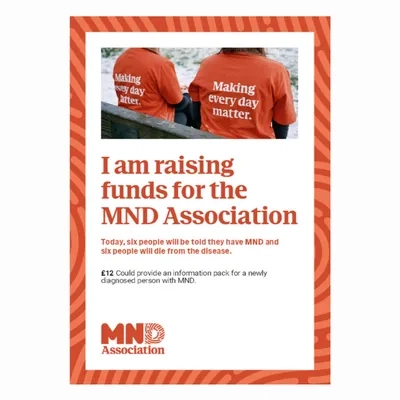
Leaflet - a longer document which is great when you've got lots to say! Hosting an auction? Use this to feature the prizes on offer.
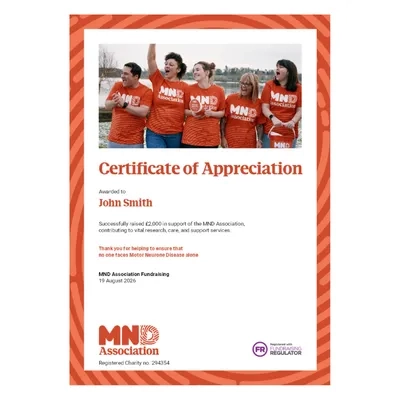
Certificate - a great way to show appreciation. Ask your local cafe to put a collection tin on their counter, and share how much they've raised by thanking them with a certificate.